Load your plan
Import a PDF, PNG or JPG. Choose a page in multi-page PDFs, adjust rendering resolution, and switch off available PDF layers that you don’t need.

CUSTOMISABLE BROWSER TOOL
Trace what matters.
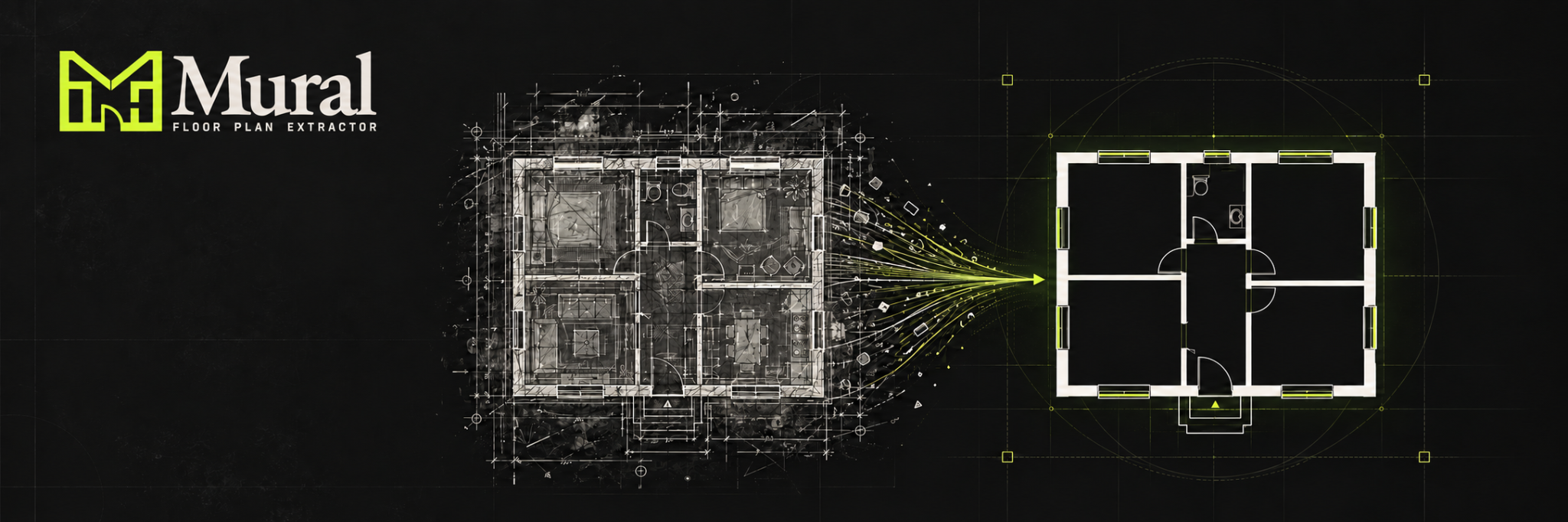
Turn a busy PDF or image floor plan into a cleaner line drawing of the building’s structure. Remove unwanted detail, refine walls and doors, and export a plan ready for your next task.
THE TOOL
Furniture, labels, dimensions and annotations can obscure the walls and doors you need. Cleaning a drawing by hand takes time, especially when working from a scan or a detailed PDF.
Mural brings loading, extraction, manual cleanup and export into one browser page. Its three-column layout follows the work from left to right: load, tune, export.
Adjust extraction settings and compare the result with the original or an overlay. Refine the drawing by hand where automatic extraction removes a useful feature or leaves unwanted detail. Results depend on the source plan and settings.
LOAD / TUNE / EXPORT
Import a PDF, PNG or JPG. Choose a page in multi-page PDFs, adjust rendering resolution, and switch off available PDF layers that you don’t need.
Remove coloured annotations, tune the wall extraction, then use erase, restore and draw brushes to keep the structural features that matter.
Save a transparent PNG, white-background PNG, overlay PNG or SVG vector file for use in your next workflow.
CURRENT CAPABILITIES
Load PDFs, PNGs and JPGs, switch PDF pages and select available layers. Rendering from 1× to 4× balances detail and processing time.
Detect dominant colours or sample one from the canvas. Delete selected colours with adjustable tolerance to remove coloured annotations and dimension lines.
Threshold, minimum and maximum component sizes, linearity and dilation help separate structural lines from labels, specks and unwanted shapes.
Switch between Result, Original and Overlay to check the extraction against the source drawing.
Pan, erase, restore extracted pixels or draw missing lines with an adjustable brush. Undo the last change and adjust groups of lines by thickness.
Close small gaps to help contain room fills, then export PNG or SVG. Check room boundaries before using the result with a fill tool.
A PRACTICAL STARTING POINT
CUSTOM DEVELOPMENT
Discuss branding, extraction settings and outputs tailored to the way your team works with floor plans.
Company branding, labels and guidance built around your users.
Explore presets and cleanup rules suited to the types of plans your team regularly receives.
Discuss connecting the output to your design, quoting or business management workflow as part of a bespoke build.
Tell us about your source drawings and the outputs you need. Customisation and pricing are agreed around your requirements.